BookNet’s BiblioShare is a quality-controlled data aggregation and distribution system that collects and disseminates bibliographic data using ONIX. BiblioShare makes it easier to find, market, and sell books in Canada.
Wouldn’t it be wonderful if a browser extension was built with publishers, distributors, and store operators in mind? An extension that would recognize ISBNs on your browser screen and with one click lead you to the bibliographic information in BiblioShare?
Well good news! There is an extension for that. It’s called Bibli-O-Matic and it’s free! Available on Chrome and Firefox, Bibli-O-Matic automatically finds ISBNs on any web page and inserts our icon next to it.
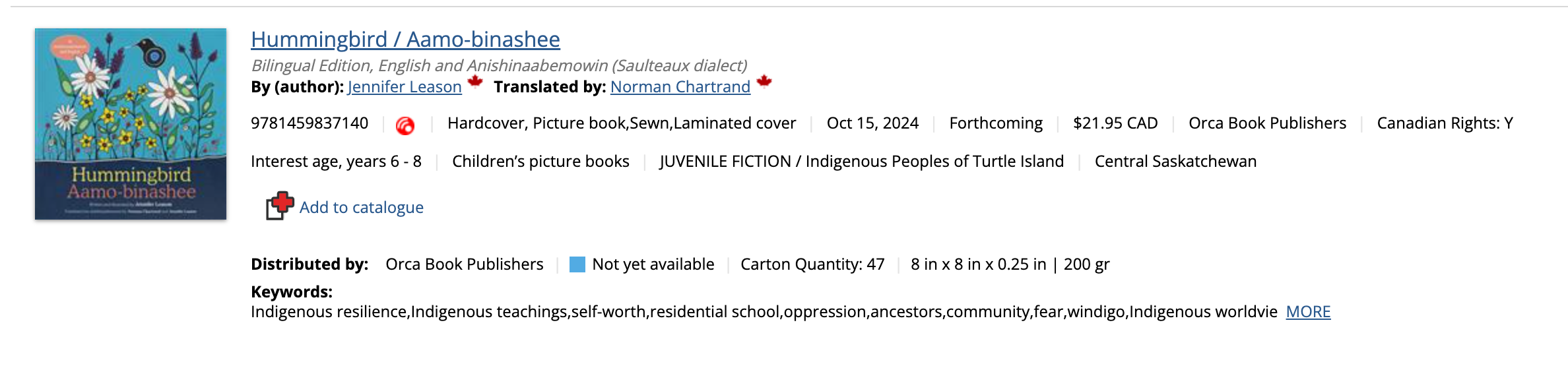
With only a click on the icon a pop up reveals the detailed bibliographic information about that title from the BiblioShare database.
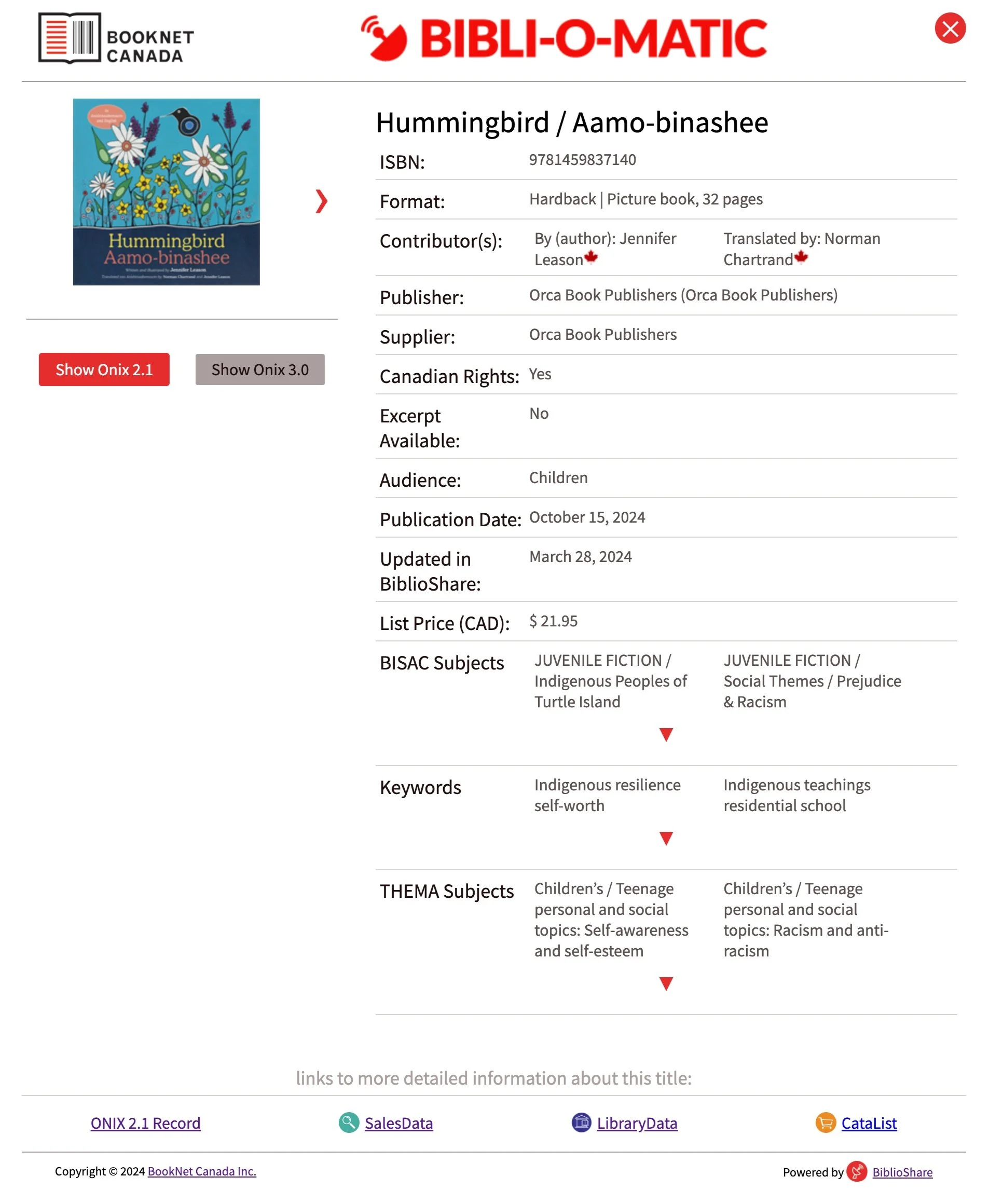
Here’s a list of Bibliographic information and assets you will find:
-
Title and Subtitle
-
Contributor(s) — including a Canadian author marker if applicable
-
Publisher, Supplier, and Canadian Rights information
-
Format information — binding, price, page count
-
Images — Front Cover, interiors, spreads, backmatter, author photos
-
Subject codes, Audience, and Keywords
-
Latest ONIX 2.1 and/or 3.0 as processed in BiblioShare, including the date of the file processed
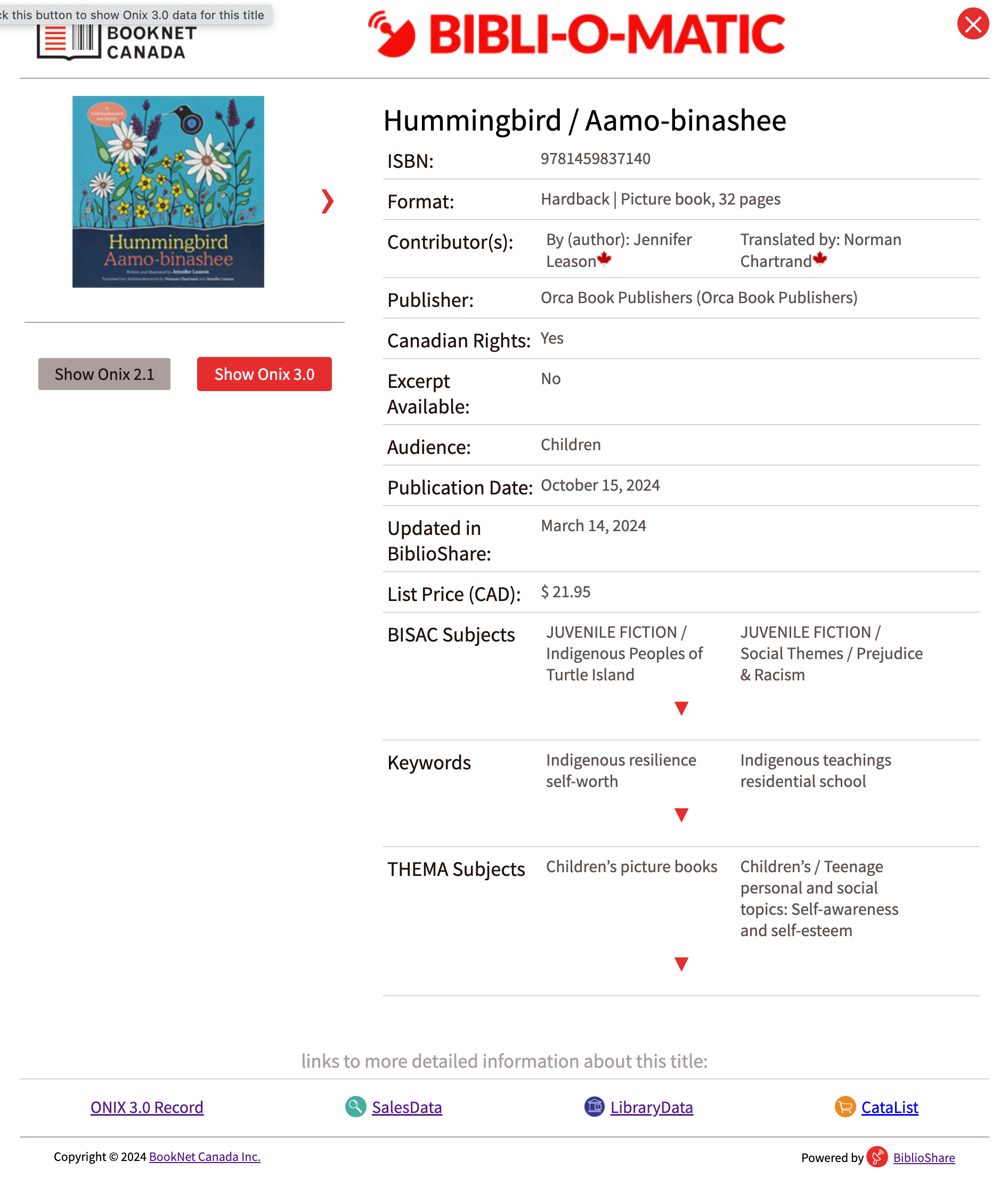
For our deep divers there are links at the bottom of the box that will take you to the title’s SalesData, LibraryData, or CataList listing and/or the latest processed ONIX record.
After installing the extension, click on the icon in your browser toolbar and open the quick menu. Now you can select Auto Run which will allow the extension to work automatically. The Run Now function allows you to use Biblio-O-Matic on any particular browser tab of your choice.
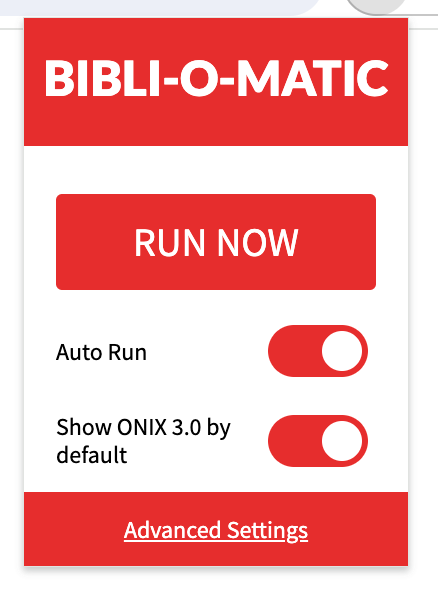
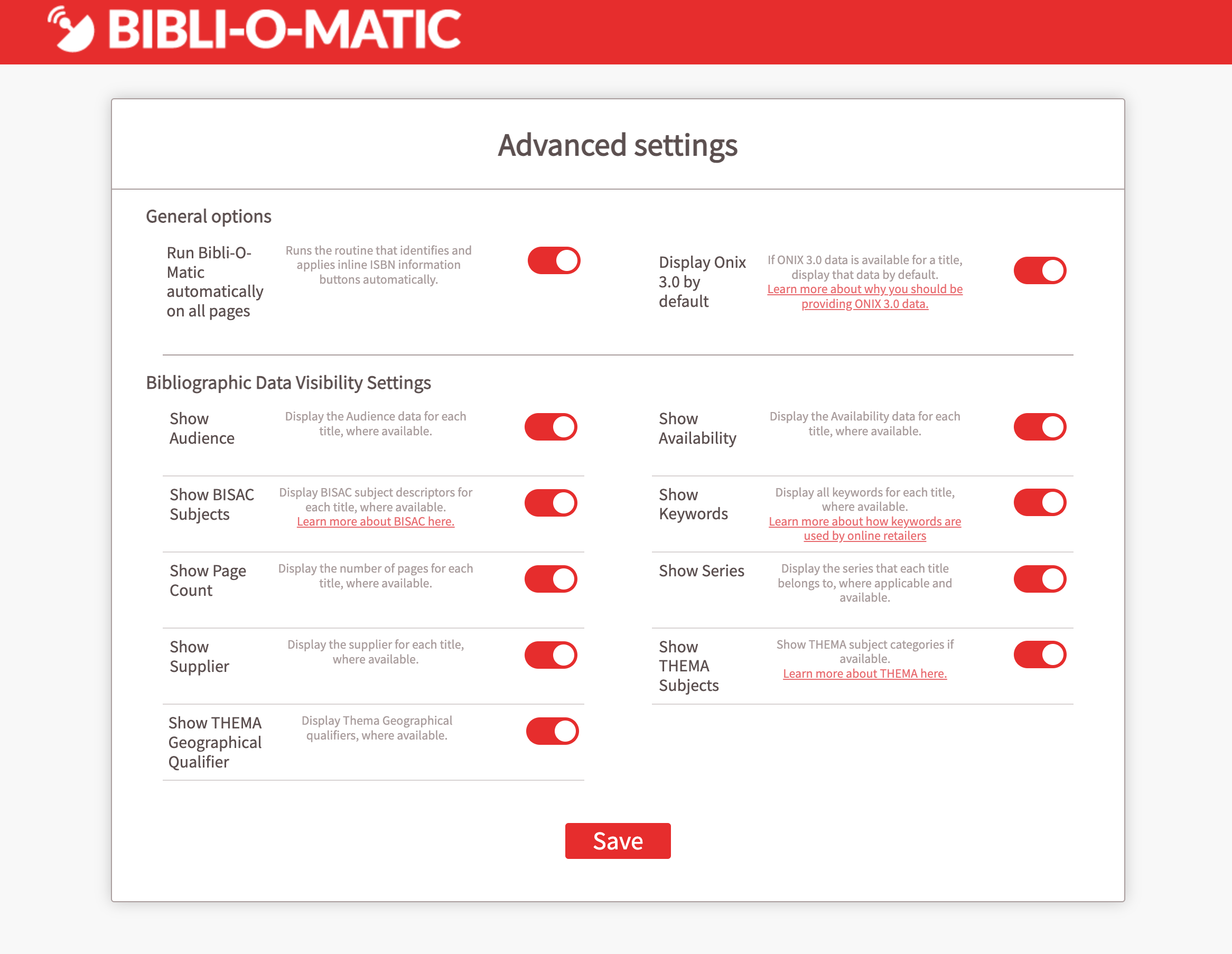
Advanced Settings allows you further customization options. All fields are selected by default, but you can select the ones that compliment your workflow.
It’s easy to use and offers a wide array of information and links to suit your bibliographic research and browsing needs.
See how it works or install it now!
Have questions or feedback? Send us an email!